Create a step and repeat logo pattern online for free.
Upload your logo, image, or pattern and automatically repeat it across
rows and columns to create a large tiled image or seamless background.
This free step and repeat generator lets you control the
number of horizontal and vertical repeats, spacing, rotation, stagger,
and background color. Your image is processed directly in your browser,
so you can create and download your repeating pattern without uploading
your image to a server.
Create a repeating logo pattern, tiled image, or seamless background
with this free online step and repeat generator. Upload your logo,
artwork, photo, or pattern and control the number of repeats, spacing,
rotation, stagger, and background color. When your design is ready,
download it as a PNG image for your next project.
Ready to put your design on a shirt?
Take the repeating pattern you created here and use it for
custom printed clothing.
Our all-over printing service can turn your artwork, logo, or seamless
pattern into custom shirts and other apparel. This free design tool was
originally created to help prepare artwork for custom clothing, and we
are happy to make it available for everyone.
Step & Repeat Generator Features
- Repeat logos horizontally and vertically – Choose how many columns and rows you want.
- Adjust logo spacing – Add or reduce the margin between repeated images.
- Rotate your logo – Set an angle to create different pattern styles.
- Stagger repeated logos – Offset alternate rows to create a staggered step and repeat layout.
- Choose a background color – Select the background color for your final pattern.
- Download your repeating pattern – Choose the output width and download the generated PNG image.
- Drag and drop images – Quickly add a logo or picture to the generator.
- Process images in your browser – Your selected image does not need to be uploaded to a server.
How to Use This Step & Repeat Logo Generator
-
Upload your image.
Select a logo, pattern, photo, or other image file. You can also drag and drop
your image directly into the tool.
-
Set the repeat pattern.
Enter the number of horizontal and vertical repeats to create your desired
tiled or step-and-repeat pattern.
-
Adjust the pattern.
Customize the spacing, rotation, stagger, and background color to create the
look you want.
-
Choose the download size.
Set the output image size before downloading your finished pattern.
-
Download your image.
When the preview looks correct, click the download button to save your
repeating logo or pattern image.
Tips for Better Performance and Image Quality
-
Large image files may take longer to process because the image is drawn
directly in your browser.
-
Using a very large number of repeats can also make the drawing process slower,
especially with high-resolution images.
-
If the downloaded image is too large, consider reducing the output size to
improve processing speed and make the file easier to handle.
-
We recommend using the original image size or a reasonable output size rather
than enlarging a small image. Increasing the size too much can cause the
final image to look pixelated or blurry.
-
PNG and JPG/JPEG files generally work best with this tool. Some other image
formats may not be supported by every browser. If an image cannot be
processed, try converting it to PNG or JPG first and then upload it again.
Splice you logo into a large image
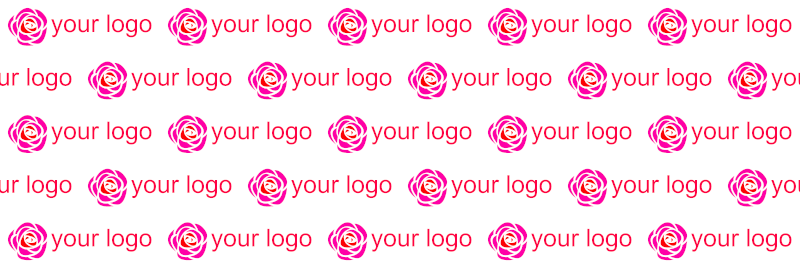
This is your logo
step and repeat your logo staggeredly
This step & repeat pattern image maker can splice your logo into a large image in one minute,
it can easily tiled the seamless pattern into a large image too.
Free online tile image tool, create a tiled image by number of rows and columns,
repeat your image into a large image,
you only need to select an image, the file will not be uploaded, retain your privacy,
safe and secure, free to use, instant preview, no download restrictions.
Tile seamless pattern into a large image
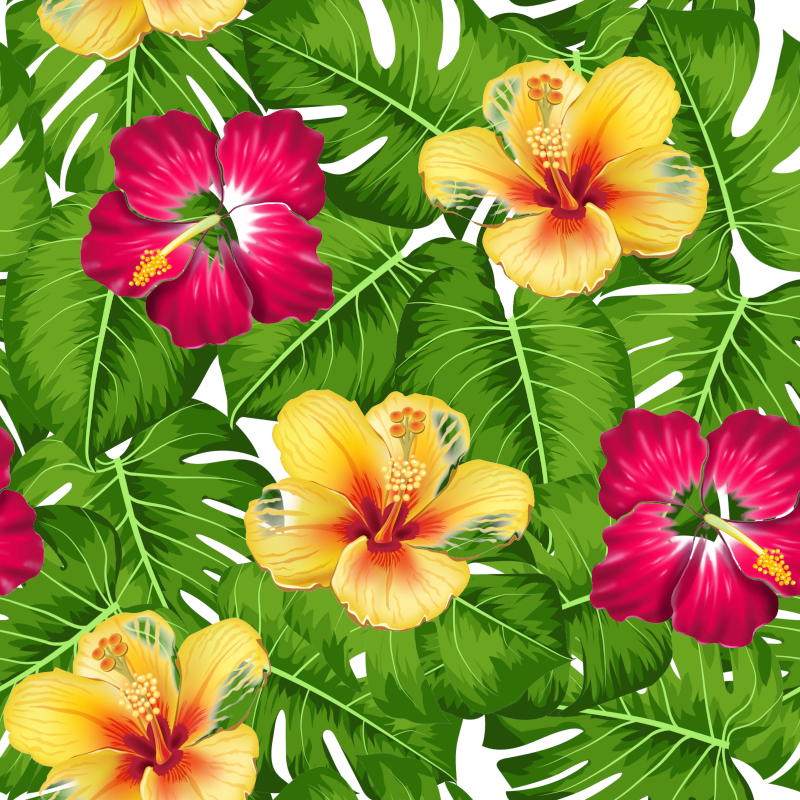
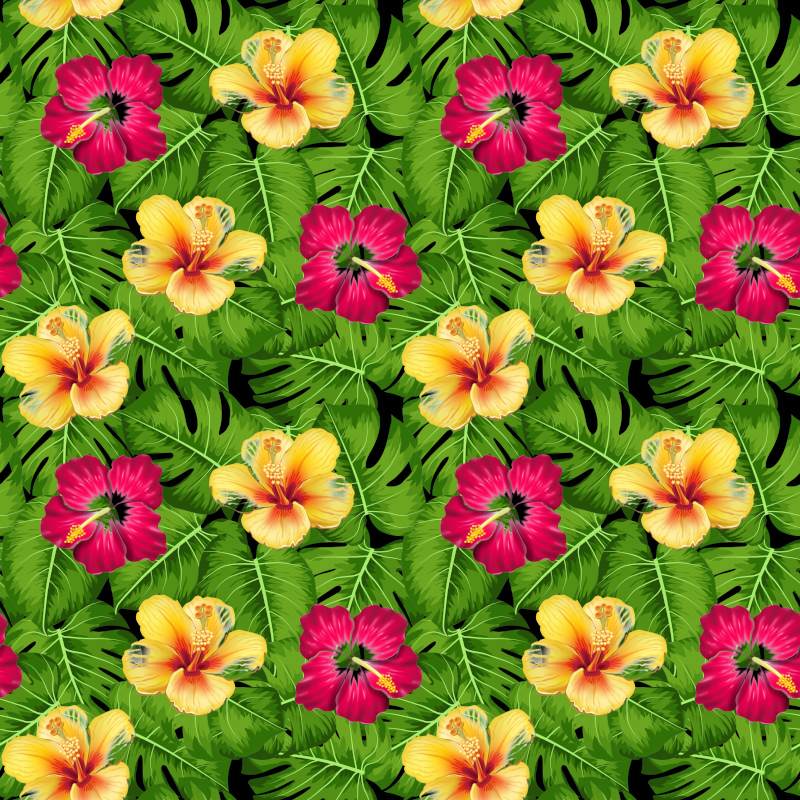
This is a seamless tropical flower pattern image
Tile the seamless pattern into a large image, set the number of repetitions,
unchecked stagger, margin 0, angle 0, and it will be automatically aligned and stacked
seamless floral patterns are used a lot in printed Hawaiian shirts.
If you want to create your own custom Hawaiian shirt,
welcome to visit our catalog(custom printed clothing)
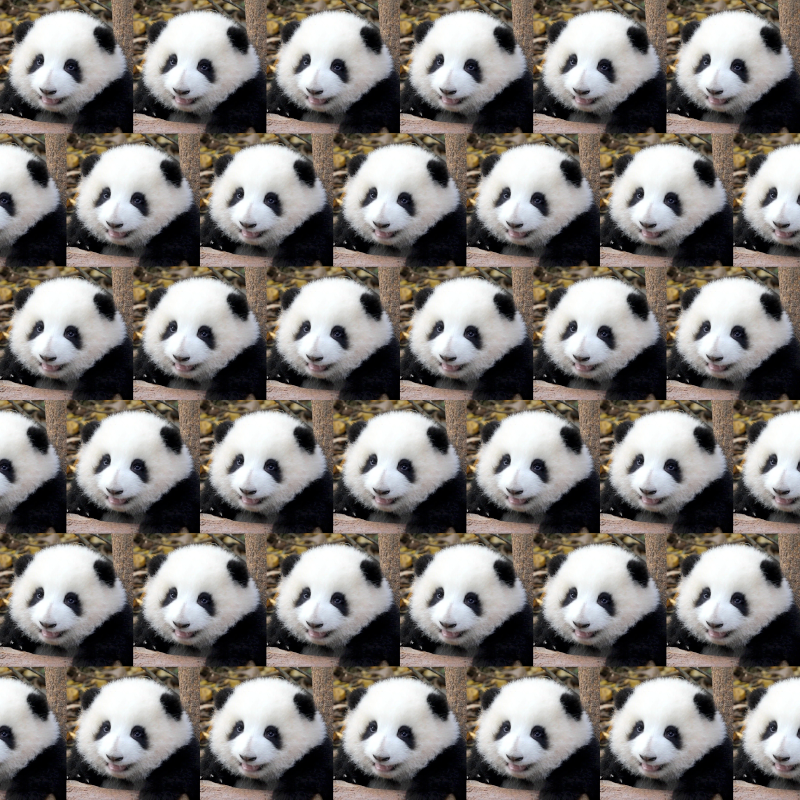
Tile an image online, repeat and step your photo
With this, you can easily tile any photo into a large image, repeat and step picture of your pet, girlfriend or boyfriend,
and then make a custom hoodie with picture, that's really cool.
Max canvas size
All browsers limit the max canvas size,
if the canvas size exceeds the maximum limit, it will be blank.
Compared with computer and mobile phone, use this pattern image spliced maker on computer,
the canvas can be larger and the performance is better.
I tested this on my mobile phone and it only supports a maximum of about 8000 x 8000 pixels,
on my desktop computer it can draw over 10000 x 10000 pixels.
If you see the preview is blank, set the number of rows and columns smaller.
Use this tiled image generator on your smartphone
This repeat logo image maker is 100% self-developed by us,
copyright © www.ginifab.com, all rights reserved.